Update a name or price.
Record the complete corrected sentence with natural pauses. A short passage is easier to select than an isolated word.
Keep the correction focused
Replace dialogue in video when a product name, price or opening line changes. Keep the take and supply a recording of the revised sentence.
Published
You confirm the selected passage and credit quote before generation.
Play the result, listen to its recording and compare the same moment.
Office stock footage paired with a separate male English recording in a real MuseTalk run. This demonstrates supplied-audio lip sync, not an actual price correction.
Loads the inputs. Generation requires your confirmation.960 × 540 · 25 fps · continuous video excerpt 0–5s · male subject and office background · natural male English replacement audio, LibriSpeech speaker 1272, recording 1272-128104-0000, first 5s · credit-funded QA run; 5 credits captured · no MuseTalk.app product watermark
Footage: Antoni Shkraba on Pexels, video 8048256 (https://www.pexels.com/video/man-talking-in-front-of-camera-8048256/), Pexels License (https://www.pexels.com/license/); continuous 0–5s excerpt, resized to 960 × 540 at 25 fps. Audio: LibriSpeech dev-clean, prepared by Vassil Panayotov with Daniel Povey; Panayotov, Chen, Povey and Khudanpur (ICASSP 2015), via OpenSLR SLR12 (https://www.openslr.org/12/), CC BY 4.0 (https://creativecommons.org/licenses/by/4.0/), derived from LibriVox; recording 1272-128104-0000, first 5s, converted to mono 16kHz PCM WAV. The archive's SPEAKERS.TXT identifies speaker 1272 as male, John Rose. The full archive checksum was not verified; individual downloaded member hashes were recorded. The recorded speaker is separate from the person in the footage. Altered-media lip-sync demonstration; no subject, speaker, creator or dataset endorsement. Provider endpoint: fal-ai/musetalk; exact upstream model revision undisclosed.


Compare identical timestamps. Play the video to judge mouth movement; stills alone do not establish lip-sync quality.
Listen to the correction and check that the new wording fits the expression and gestures.
Watch the beginning and ending at full speed. Keep the original project open to check the joins.
Need help with a delivered job? Use result troubleshooting or contact support with its job reference.
To replace dialogue in video, choose a take whose expression and gestures still fit the revised line.
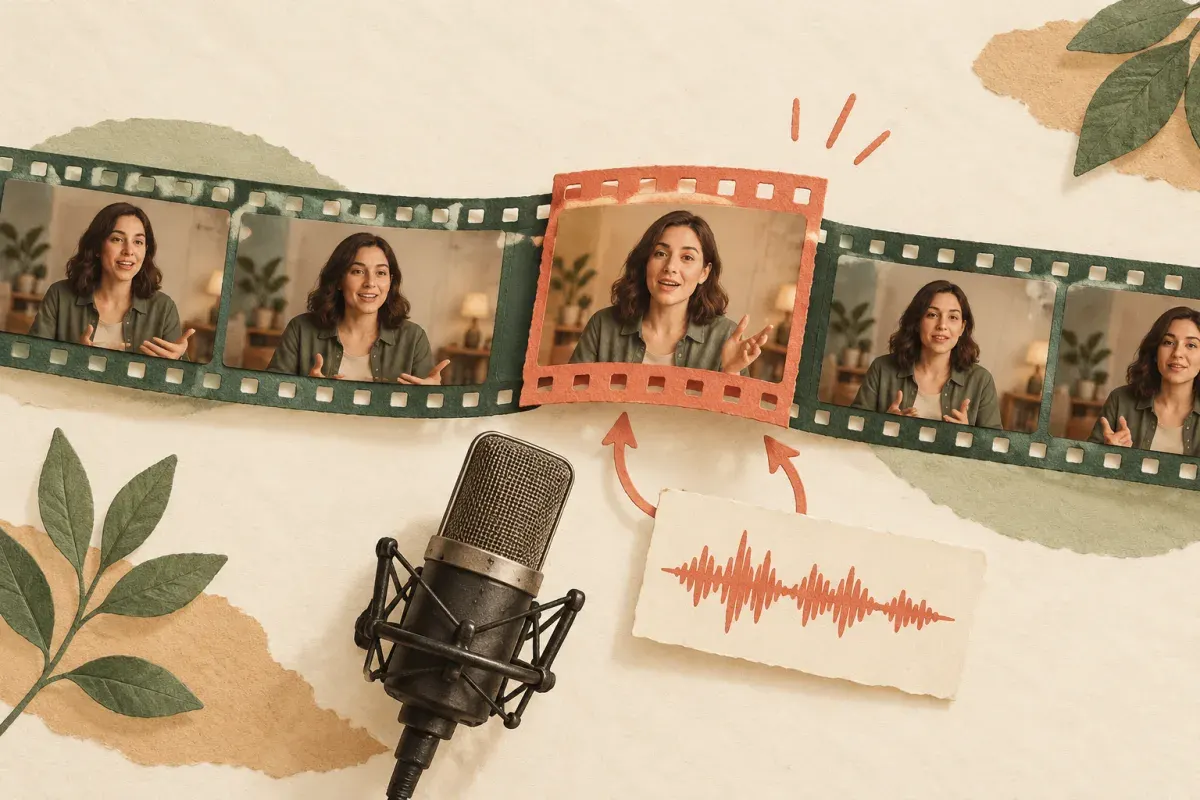
Record the complete corrected sentence with natural pauses. A short passage is easier to select than an isolated word.
Keep the new instruction compatible with the speaker’s gestures and available screen time.
Record a replacement opening that fits the same expression. A different performance may need a different take.
Leave room for natural pauses when you replace dialogue in video. This eight-second plan is illustrative, not the settings of the real example.
Illustrative selection · not a generated testChoose the passage you want to replace.
Record the whole revised sentence with room at each end.
Review it, then place it in your edit externally.
No looping or padding. Read the clip selection guide.
Use the generator above with your own files. For every control and input limit, use the complete online guide.
Record the complete revised sentence. Include natural pauses and at least five seconds of usable audio.
To replace dialogue in video, finish the wording and record it as WAV or MP3 first. Text is not an audio input. Include enough natural pause around a very short correction to select at least five seconds.
Choose the original passage and matching recording. Set the start points before fitting their shared length.
Select the MP4 and revised recording. Set both start points and a shared 5–60 second length. Preview the selection before generating; this plays the inputs, not the future result.
Preview the selected inputs, confirm permission and review the quote before starting.
Preview the selected sources, confirm permissions and review your quote before submitting. A new recording needs a new lip-sync generation. Simply replacing the soundtrack on an old result does not make its mouth speak the new line.
Download the short MP4, splice it into your video and check the joins and audio mix.
After you replace dialogue in video, download the generated passage and insert it in your editor. Check the beginning, ending and surrounding audio. This tool does not automatically update the rest of the project.
See current offers on pricing. Generation starts after your confirmation.
To replace dialogue in video, upload a recording of the new sentence. This tool accepts MP3 or WAV, not typed speech; it does not provide text-to-speech.
The output uses your supplied recording. Use an authorized voice; the original voice is not cloned.
You can replace dialogue in video for a small correction, but record the whole sentence with natural pauses. Each job needs a 5–60 second passage, so a single isolated word is usually a poor input.
Download the short clip, then splice it into your project and finish the audio mix in your editor.
Need to see more first? Watch all real examples.